
DiamCut Pro™
by Diam Art Ltd
A virtual diamond cutter for fancy‑colored and white diamonds — shape and refine a stone on screen to bring out its maximum potential, before you commit to the actual cut.
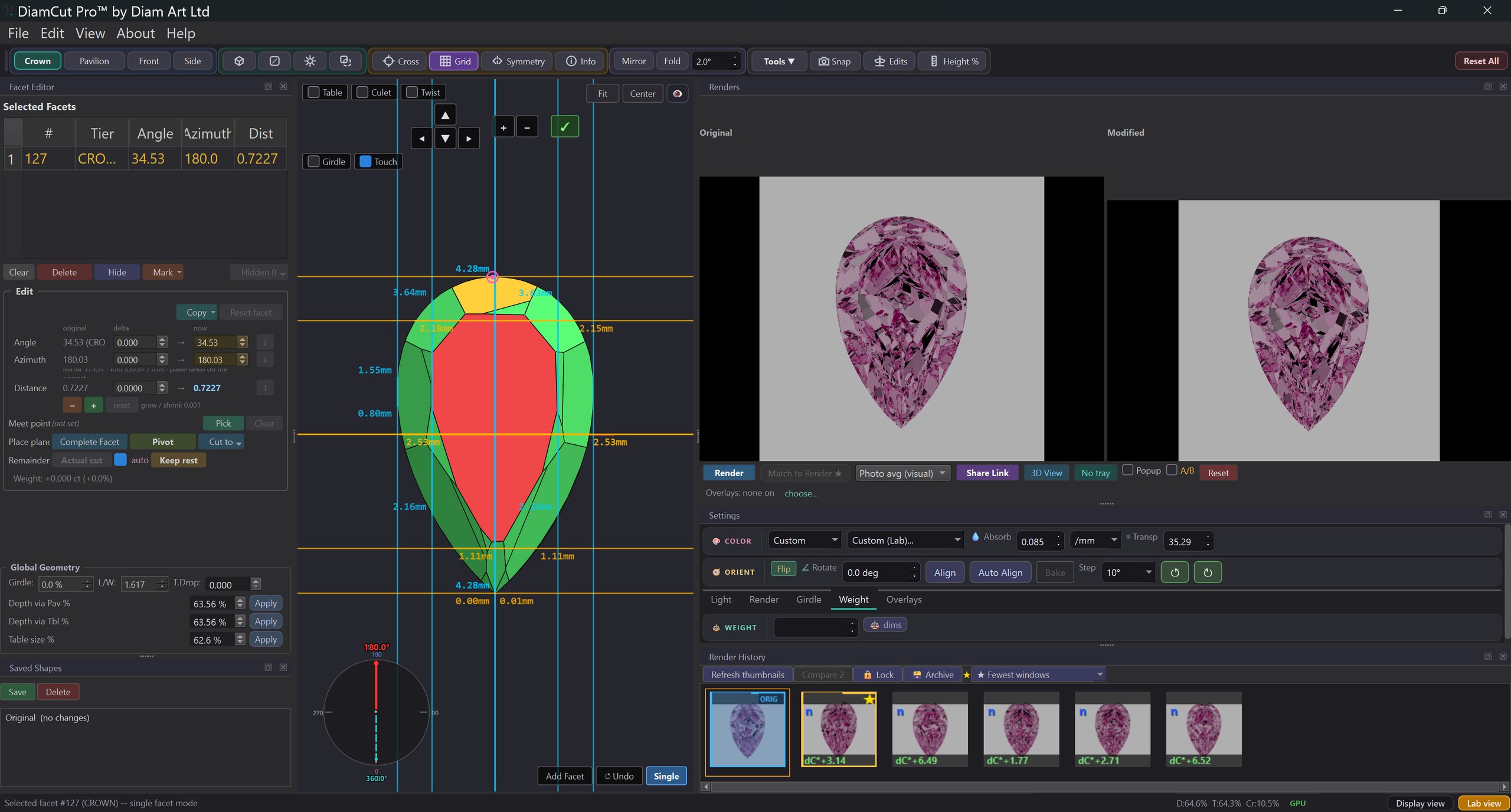
Diamond cutters and planners, manufacturers, and dealers working with fancy‑colored and white diamonds — anyone who wants to see a stone's best before committing to the cut.
Working for better color, or a better make? DiamCut Pro assists either way — judge every change the moment you make it, on screen, before a wheel ever touches the stone.
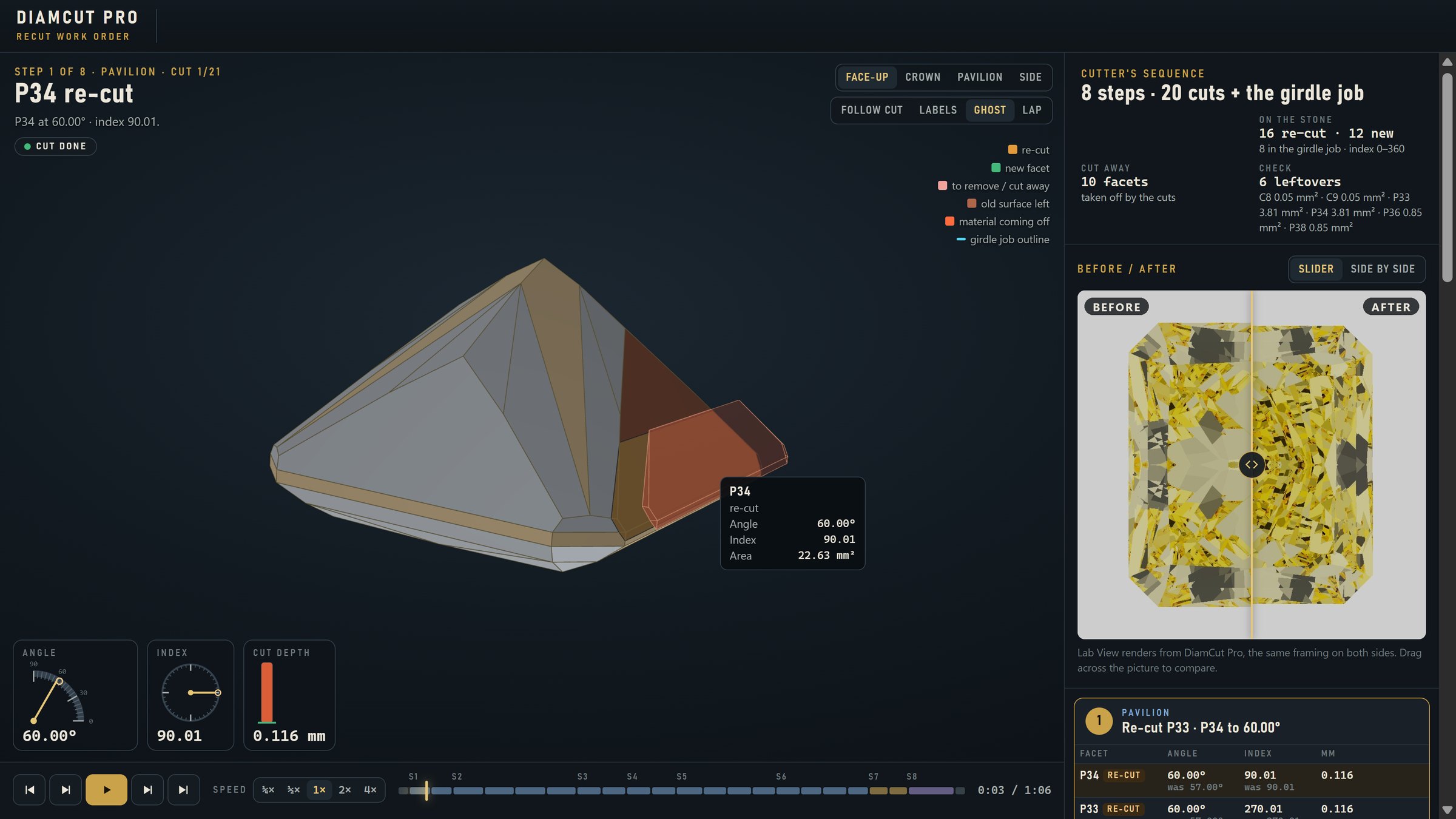
Click a facet on the 3D model and shape it exactly the way you want. Symmetry, new facets, and a live preview keep you fast and in control.
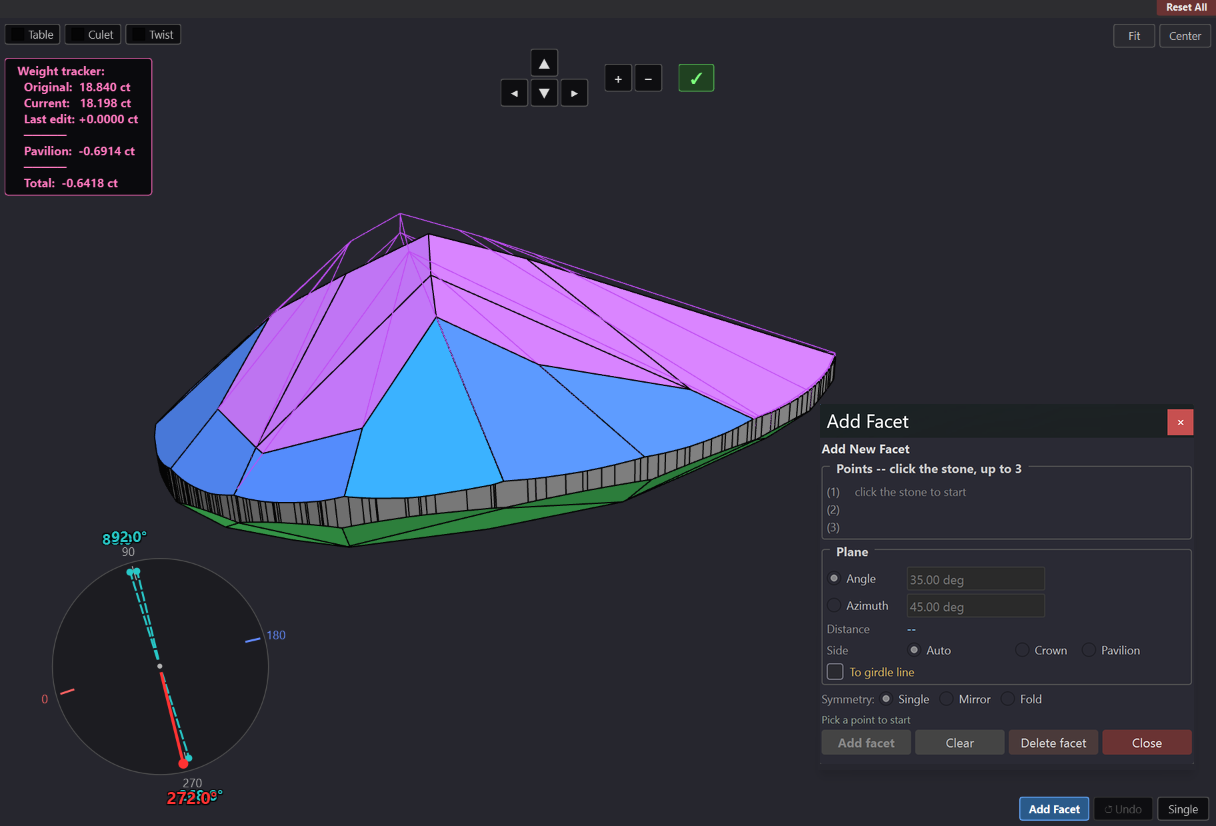
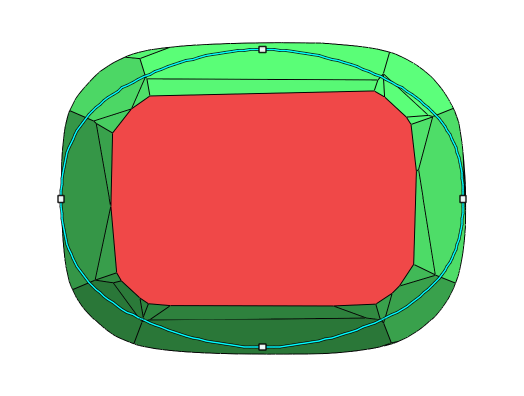
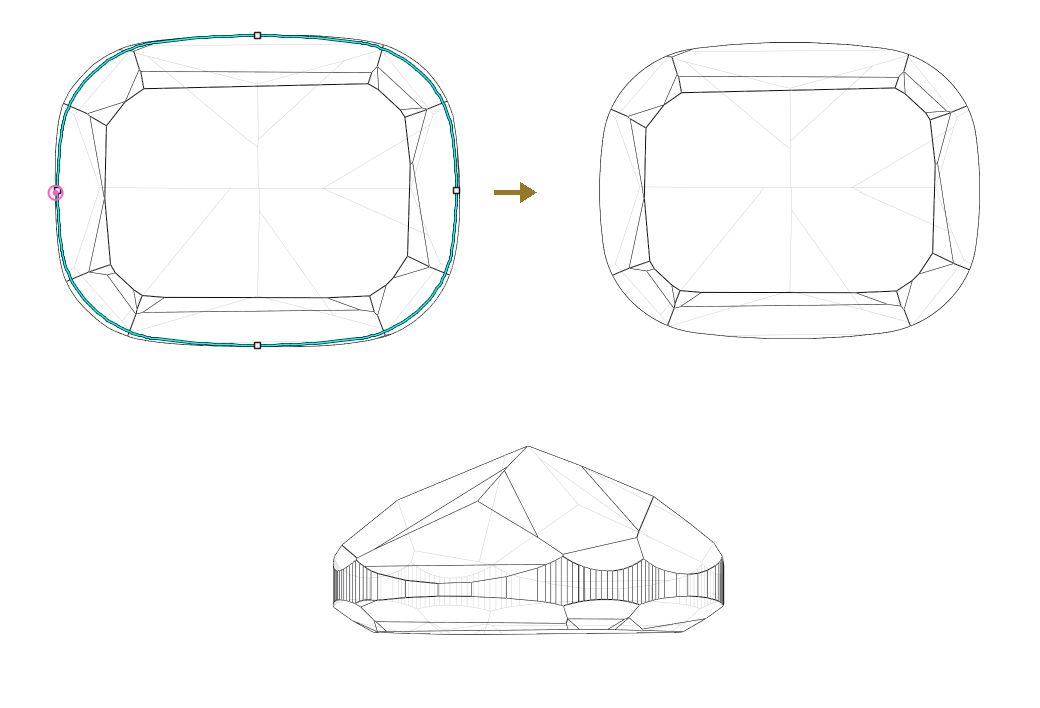
The Model Symmetry ring shows where the outline is off. Mark that part of the girdle, thicken it, and watch the ring turn green.
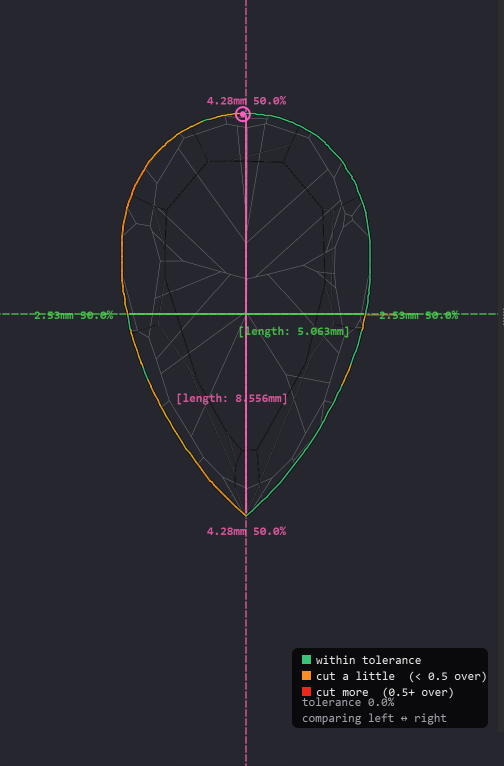
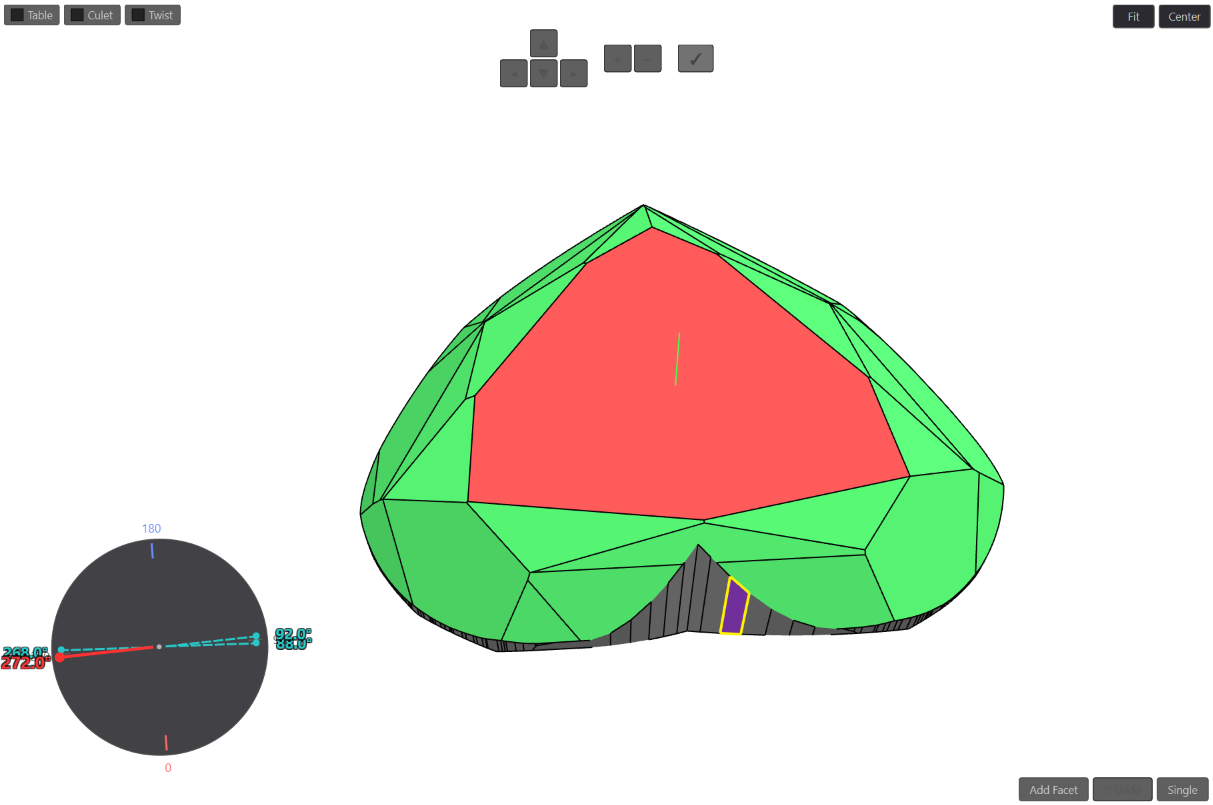
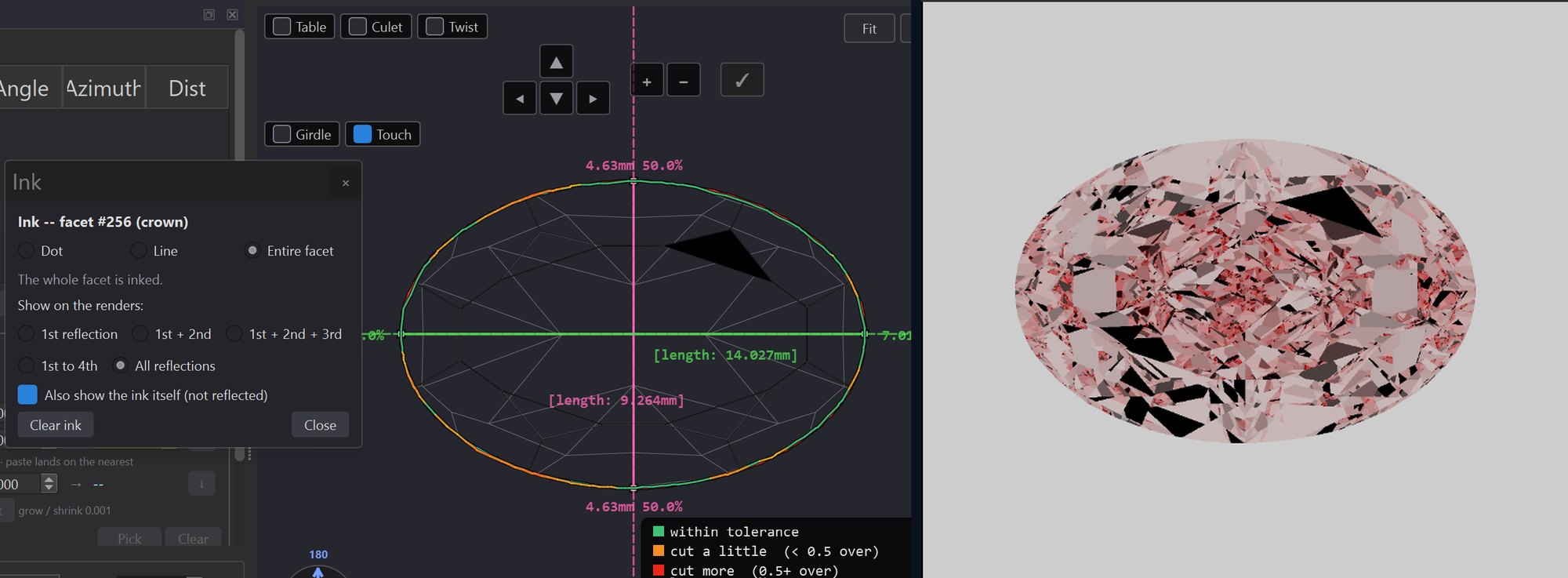
Mark a facet with ink and the renders show where it appears in the face‑up view, through each of its reflections. No new render needed.
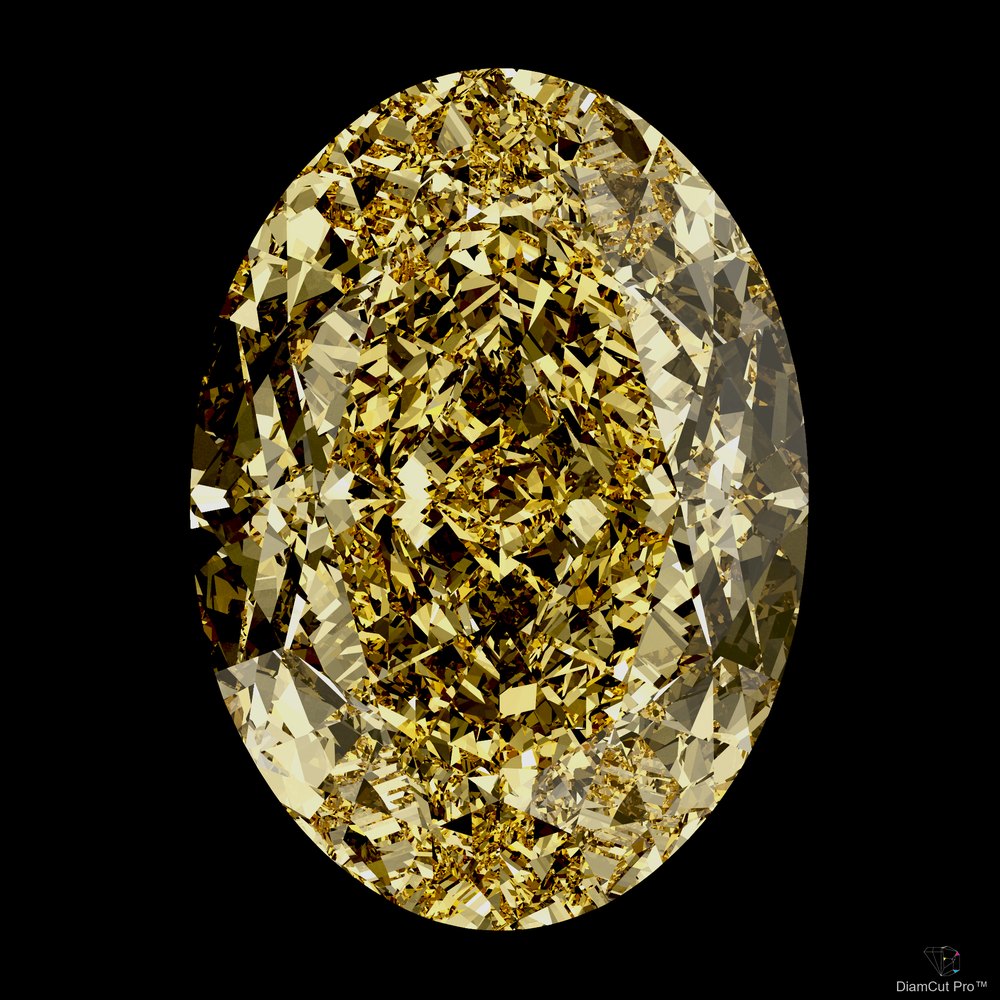
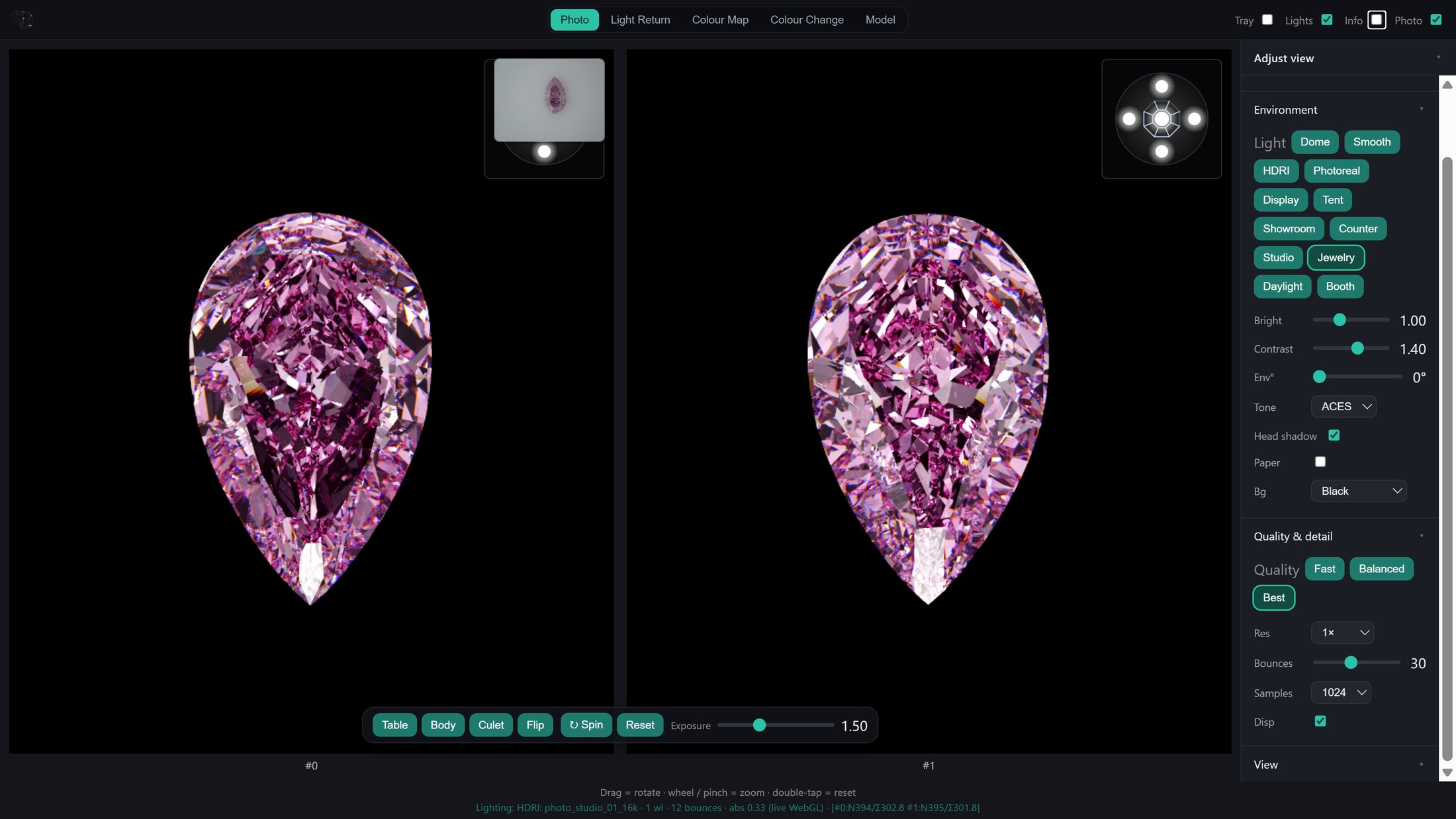
Produce striking face‑up and full 3D renders, spin them as video, and share a live, interactive 360° view with a single link — nothing for the viewer to install.
Photoreal photo rendering runs best on a computer with a dedicated graphics card (GPU); high‑resolution renders and animation are faster on stronger systems. See the PC requirements.
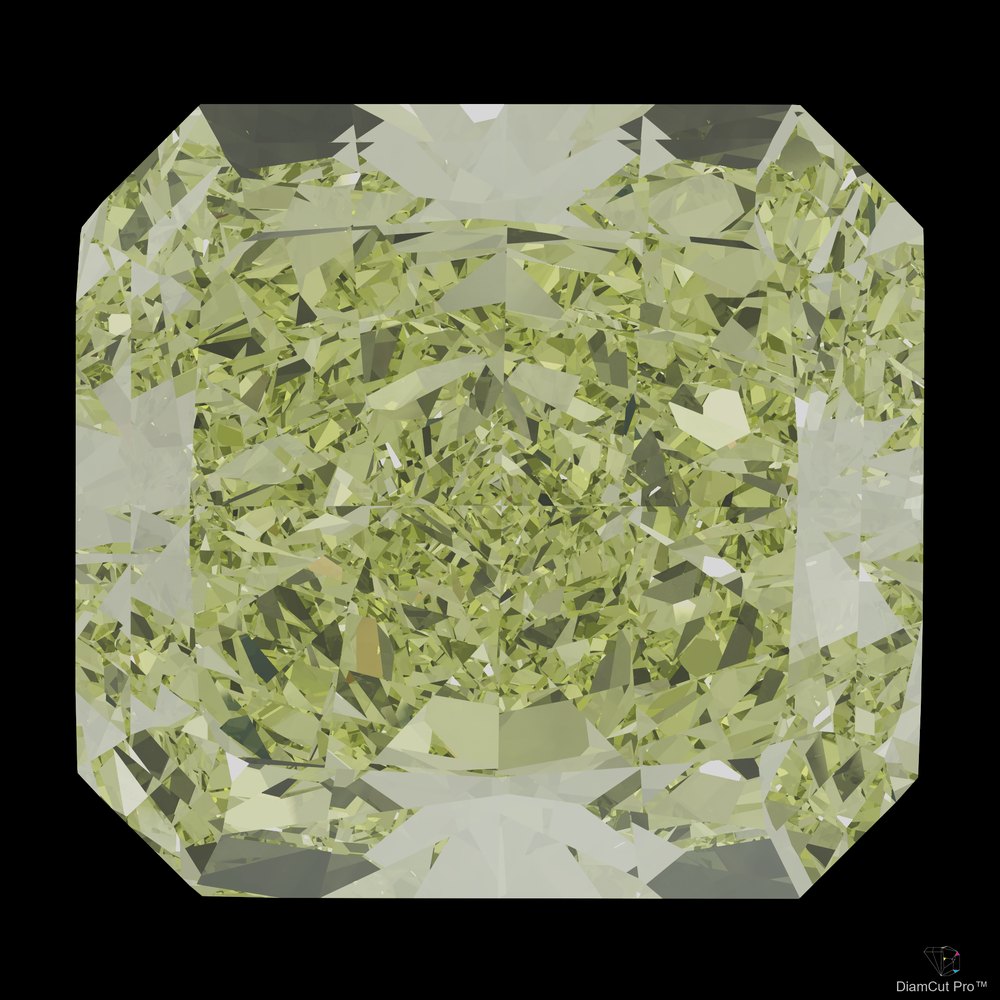
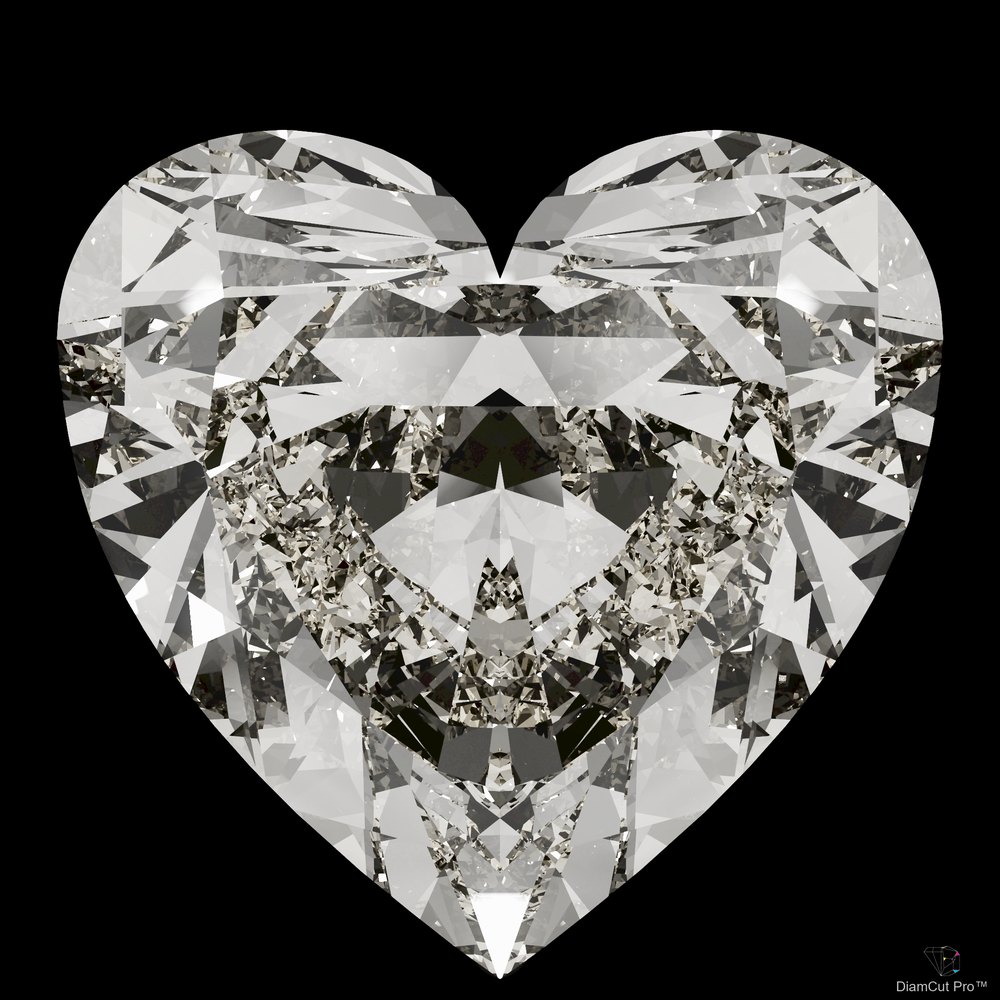
Two web links, nothing to install. Your client sees the stone you planned. Your cutter sees exactly how to cut it.
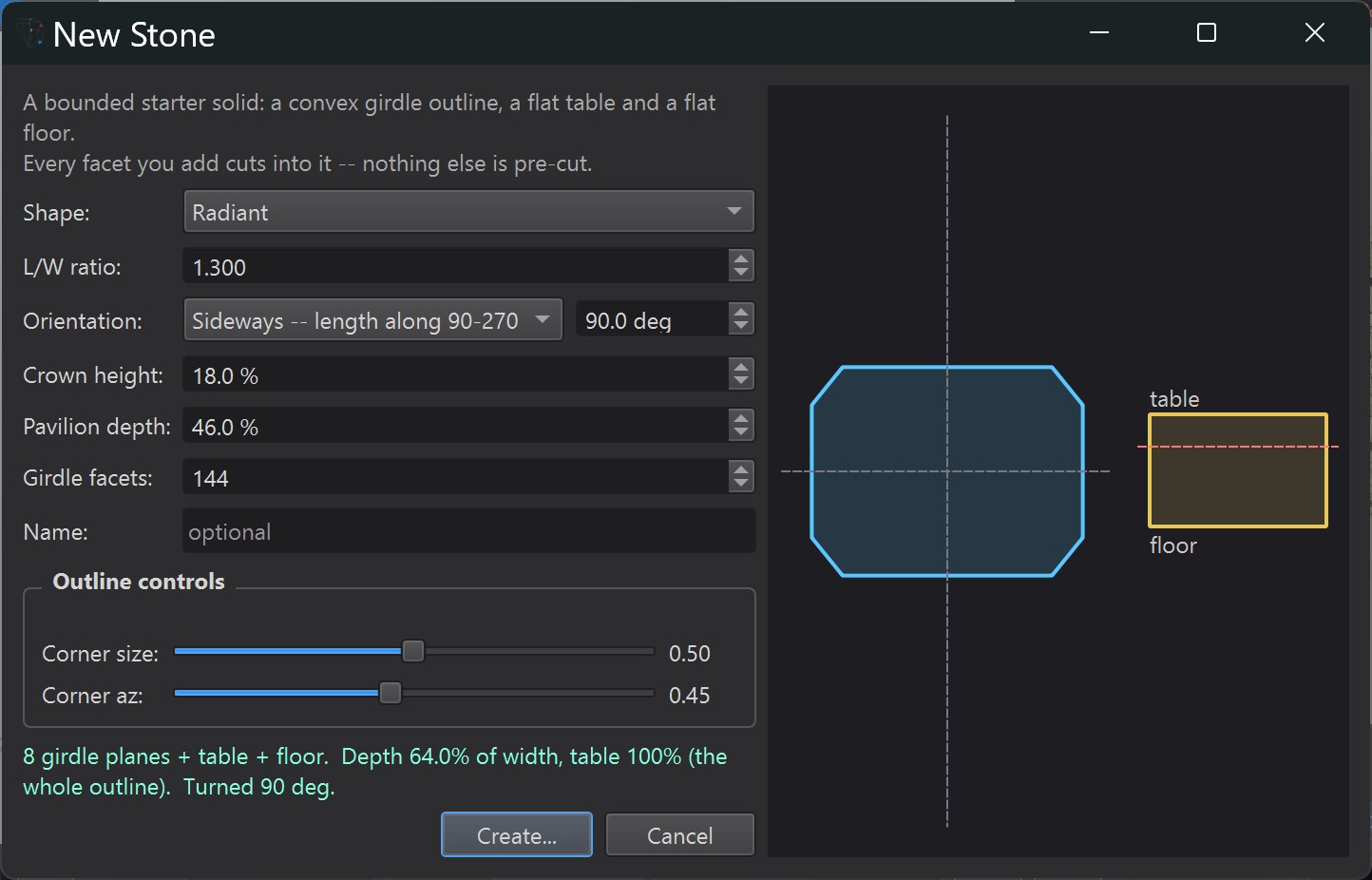
Start without a scan or a file. Choose a shape and its proportions, and DiamCut Pro creates a clean starting block: a girdle outline, a flat table and a flat floor. Every facet you add cuts into it.
It fits the way you already work — bring stones in from the tools you use, take finished results out.
Optional paid services from Diam Art Ltd — separate from the DiamCut Pro application and available for an additional fee.
Pair your DiamCut Pro work with the DiamColor color service for an added level of analysis and presentation. Offered as a paid add-on.
Some advanced work is not part of the software itself. Send us your stone file and we do the work for you, returning a finished DiamCut Pro project (.dcpro) — for an additional fee.
Five minutes on a real stone: starting a new stone, the girdle line, and Display view.
DiamCut Pro runs on Windows and macOS. Tell us a little about yourself and the stones you cut, and we'll get back to you about access.
More features are on the way. DiamCut Pro is updated regularly, and updates install from inside the app.
Leave your details and we'll be in touch.
Your request has been received — we'll be in touch soon.
* Paid service or licensed add-on, offered separately from the software.
Disclaimer. Any color improvement shown in DiamCut Pro is an estimate provided for guidance only — it is not an official color grade. DiamCut Pro is a planning and visualization tool; it does not issue grades and does not guarantee any grading result. Final color grades are determined exclusively by the grading lab. Some features and services described on this page are not included in the software and are offered separately by Diam Art Ltd for an additional fee.